This forum fills a new post with Drafts that already have been posted. It feels like 2005 technology.
It should fill new post with Blank and not posts that were posted already.
Extremely frustrating. The result is then it makes wall of text posts full of old posts then I edit THEN the other glitch where it puts the orange pencil sayin I “editted it” even though i editted it only in 1 minute after…!!!
I also notice the forum has formatting issues, when i copy text from Wordpad the spacing is wrong.
And there is no strikeout text for some reason so i have to custom strikeout text which is not centered properly.
And also when pasting images the sizing seems to be wrong.
I am the only person to post this, which makes me higher ranking than all of humanity.
I only see this when I have been editing a post on multiple devices and the draft is still open on one device when I post from the other device. Is that what’s happening?
My understanding is that this happens when a ‘watched word’ is in the post, and most of those have been disabled.
Why do you find the edit pencil so bad?
This one’s hard to troubleshoot, and somewhat unavoidable. Different contexts have different hidden formatting that they interpret differently. Might also depend on whether you’re using the markdown editor or the rich text editor (toggle in the upper right of the input box). You might have a better experience using the markdown editor, and doing ‘paste as plain text’ (assuming that’s an option on your system). Control-shift-V works on mine.
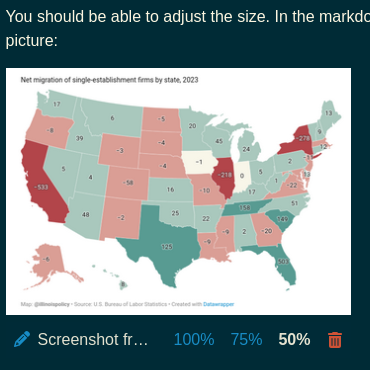
You should be able to adjust the size. In the markdown editor there are options underneath the picture:
Or you can edit the markdown directly, here is setting it display at 32% of fullsize. 
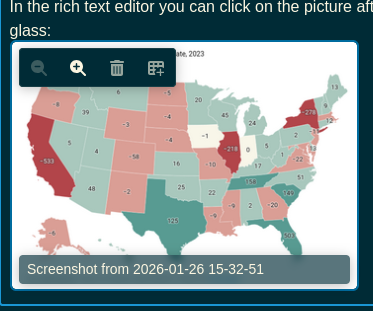
In the rich text editor you can click on the picture after you add it and you’ll see a +/- magnifying glass:
@futureone, change your default editor the markdown editor. There’s a mismatch between how you expect the rich text editor to function and how it actually functions. The markdown editor is more transparent.
To do math, you can use LaTeX wrapped in dollar signs: single for equations inline, double for equations centered on their own line.
@formeruser12, seems like you had a few extra backslashes. This: $ \int_{-\infty}^\infty e^{-x^2} dx = \sqrt{\pi} $
Makes this: \int_{-\infty}^\infty e^{-x^2} dx = \sqrt{\pi}